Build professional HMIs
on Raspberry Pi. For FREE.
Create professional 2D/3D interfaces with data binding, state machines and hardware deployment using CGI Studio Community Edition.
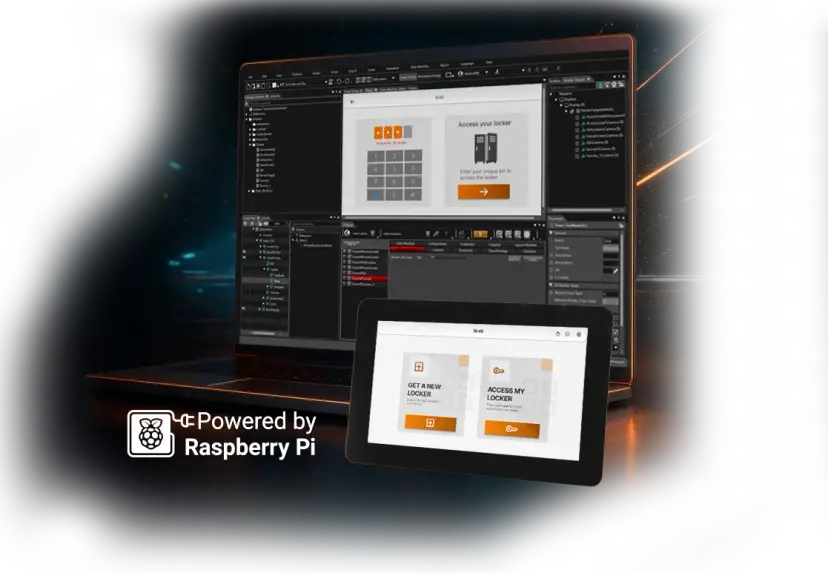
Made for people who build real interfaces.
For learning, creating, integrating and shipping UI projects with substance.

Makers
Create polished UIs for custom devices, smart home projects, control panels and personal hardware builds.
Students
Build portfolio-ready projects with a tool inspired by real product development and professional HMI workflows.

Developers
Create front ends for applications, devices and interactive systems with flexible control over logic, flow and presentation.

Small teams
Build usable interfaces for product concepts, internal tools and functional project platforms with more credibility from the start.
Design. Build. Bind. Run.
A practical path from visual concept to working UI on real hardware. Click any card to read more about each step.
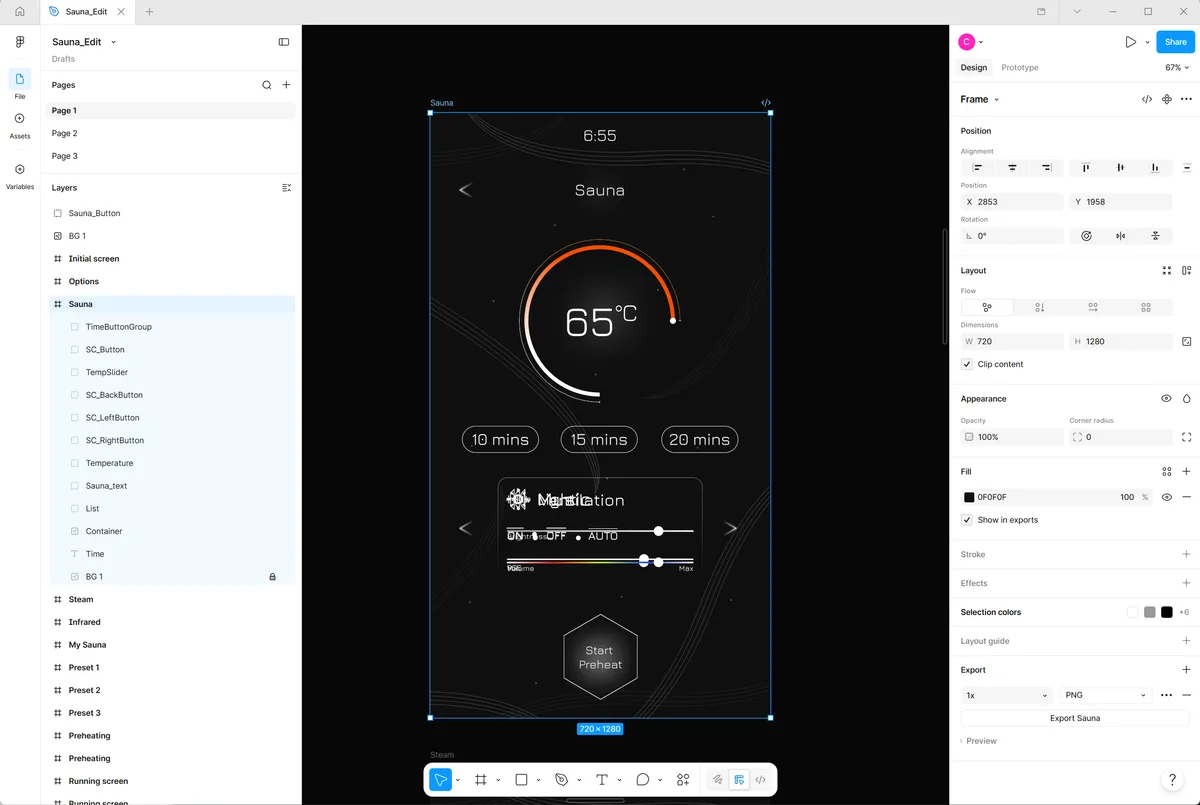
Design your interface
Design your interface
Start in your preferred design tool — Figma, Adobe XD, Photoshop or any other. Create your layout, screens and visual assets. Export them and import directly into CGI Studio CE. No lock-in to a specific design tool — use what you already know.
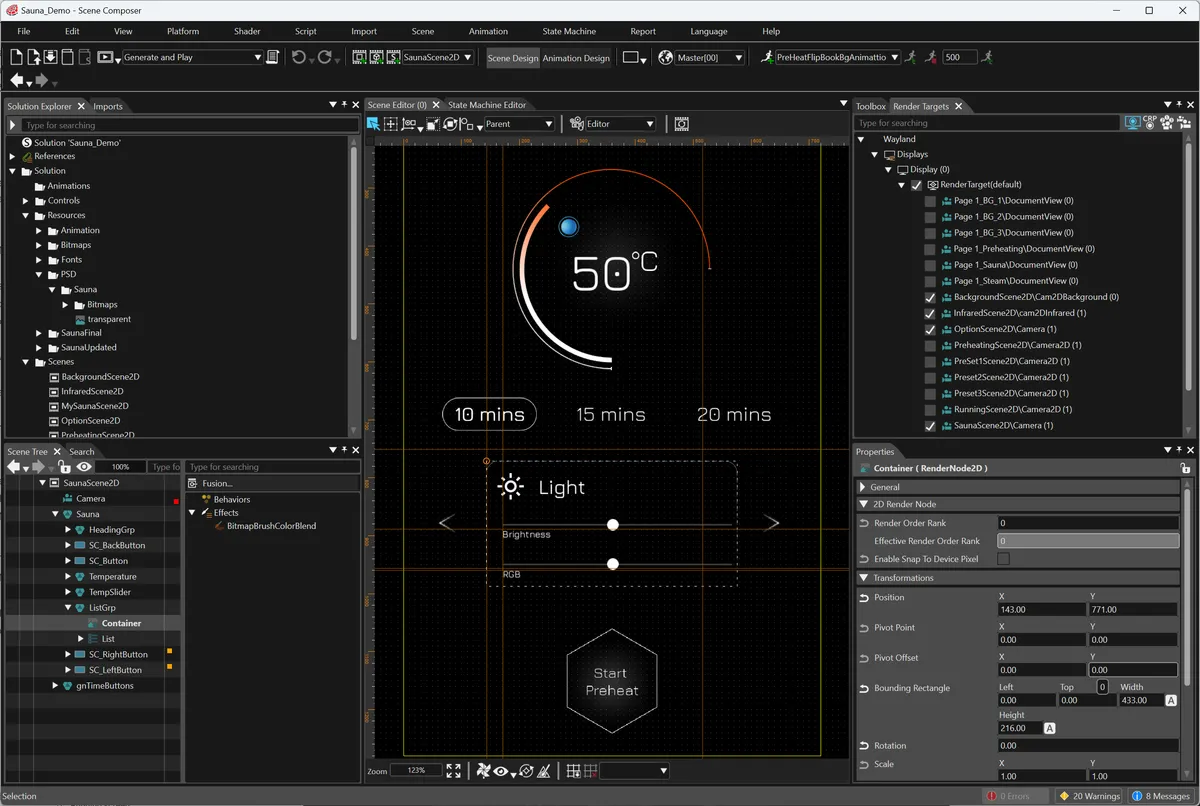
Build your UI in CGI Studio CE
Build your UI in CGI Studio CE
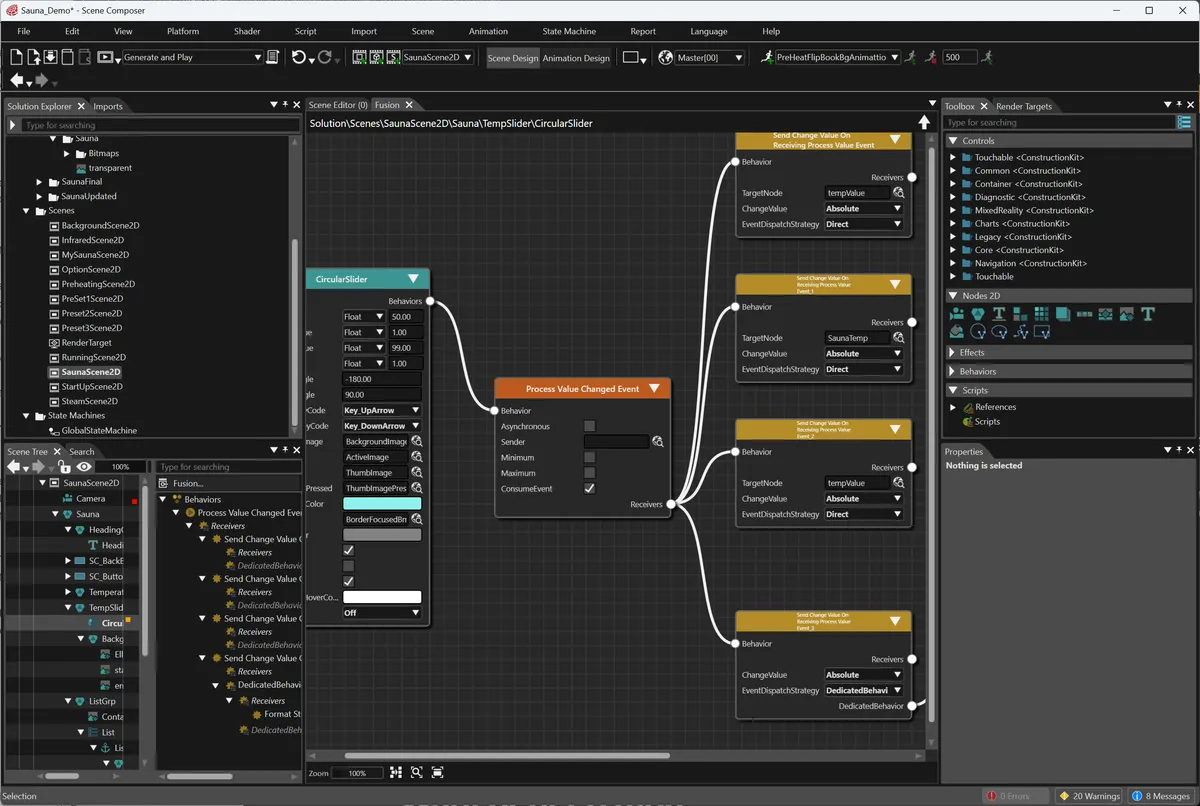
The Scene Composer gives you full control: arrange screens, define widget hierarchies, configure states and transitions, and use the built-in state machine to control your UI flow. Turn your visual concept into a fully structured, functional interface.
Bind data and logic
Bind data and logic
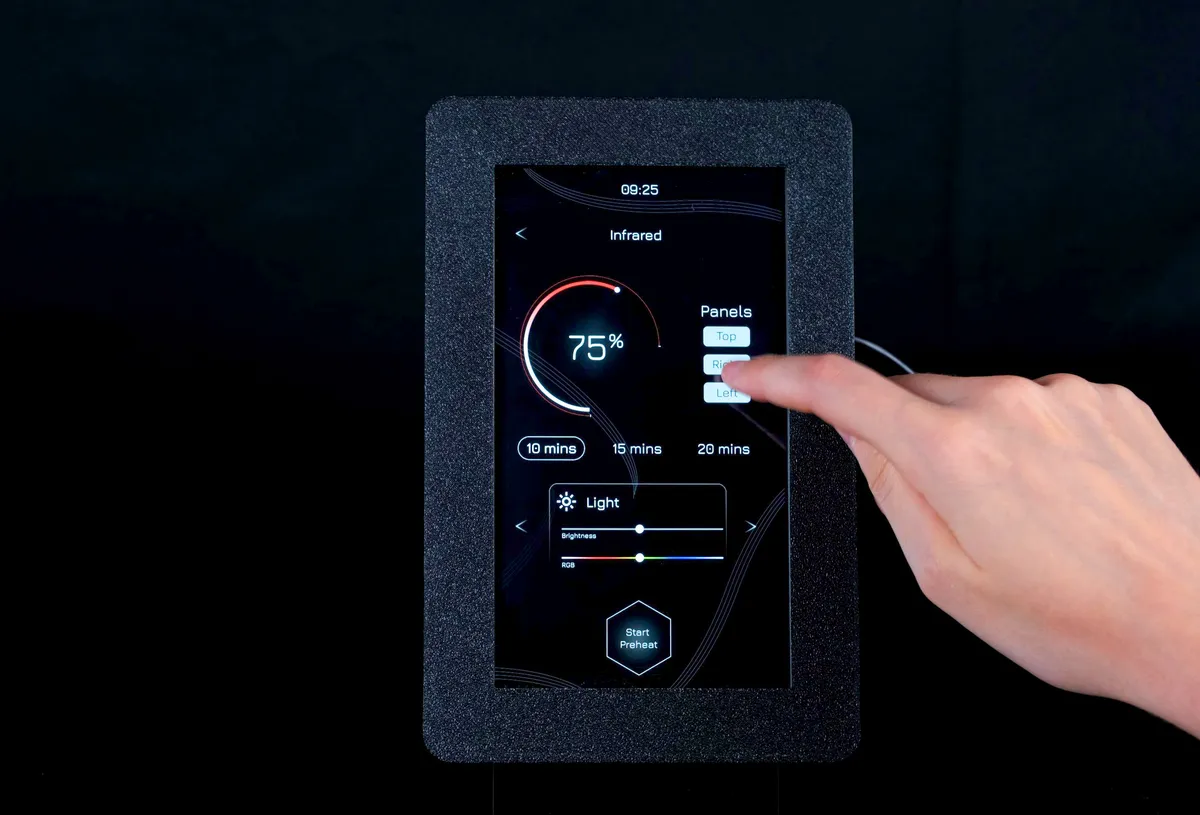
Connect real values, states and events to your interface. SC Fusion lets you bind hardware signals, MQTT topics, JSON feeds, BLE sensors or custom APIs using Python scripts. Your UI reacts to live data from day one.
Run on your target
Run on your target
Deploy and validate your UI on real embedded hardware. Community Edition supports Raspberry Pi 4 and Raspberry Pi 5 as target platforms. Test the full embedded experience directly on the device — no simulation required.
Built for real UI projects.
For builders who need more than static mockups. Create interfaces for connected products, technical systems, embedded devices and real-world applications.
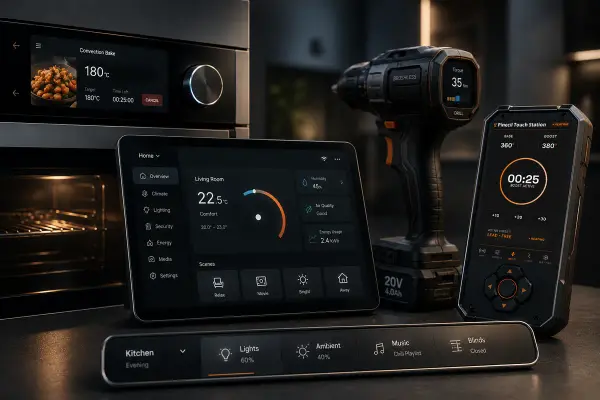
Device interfaces
Create polished UIs for appliances, controllers, tools and custom electronics.

Smart home and control panels
Build clear interfaces for monitoring, control and everyday interaction.
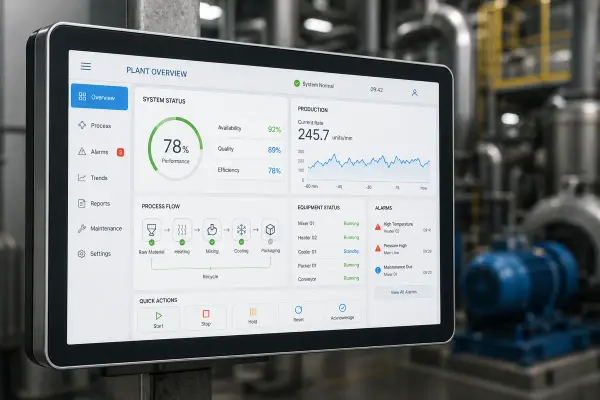
Industrial and technical applications
Visualize states, values and workflows in robust operator interfaces for technical systems.
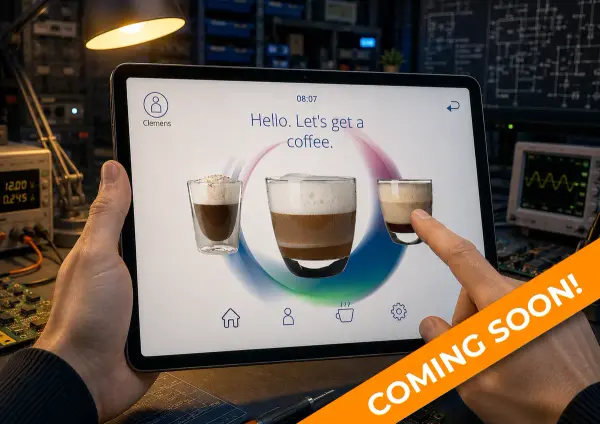
Mobile visualization
Run your UI on Android devices and extend projects beyond dedicated hardware where needed.
Make your first steps easy.
Start with guided resources, clear documentation and community support designed to make the entry into Candera CGI Studio Community Edition as easy as possible.
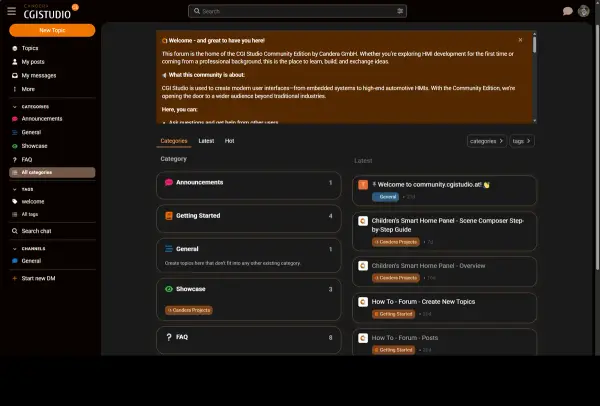
Community Forum
Ask questions, explore discussions and learn from real community use cases and project topics.
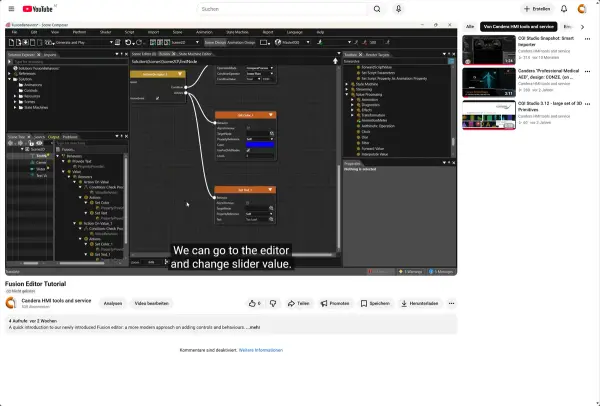
Starter Videos
Watch practical videos that make setup, orientation and the first real steps in Candera CGI Studio CE easier.
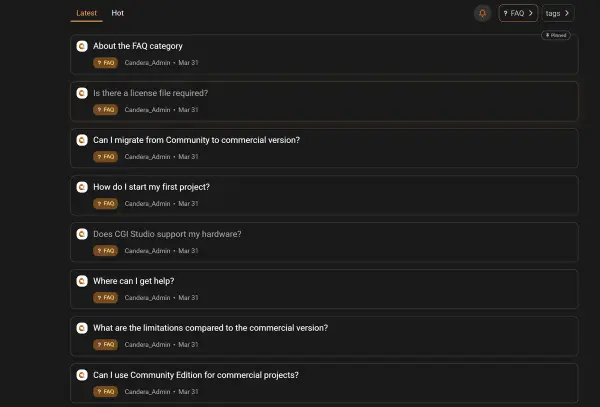
FAQs and Starter Content
Solve common questions quickly and use curated starter material that lowers the barrier to getting started.
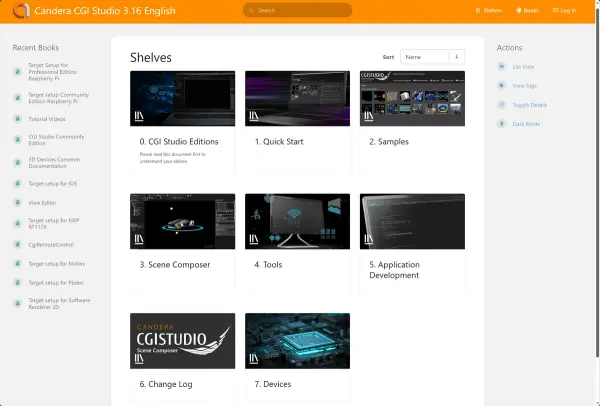
Documentation
Access the online documentation for setup, workflows and integration guidance, so the first steps into the software stay clear and manageable.
A professional UI/HMI tool for real projects.
Free access to Candera CGI Studio CE, with the core benefits that matter most for serious interface work.
Want or need more?
Start with Community Edition, then scale when your project, team or product goals grow.
Community Edition
Free entry into professional HMI development.
- Scene Composer & Target Player
- 2D and 3D graphics engine
- UI controls, layout and state machine
- Solution templates
- Documentation and online forum
- Software renderer
Professional Edition
Unlimited commercial use. Broader platform support.
- Everything from CE
- Unlimited commercial deployment
- Broader platform support
- Paid expert support
- Expert response during working days
Enterprise Edition
Full engine access. Custom boards. Maximum control.
- Everything from PE
- Engine source access
- API documentation
- Plug-in support and Analyzer
- Memory manager and Asset tool
- Warping
- Custom expert support
Built on professional HMI experience.
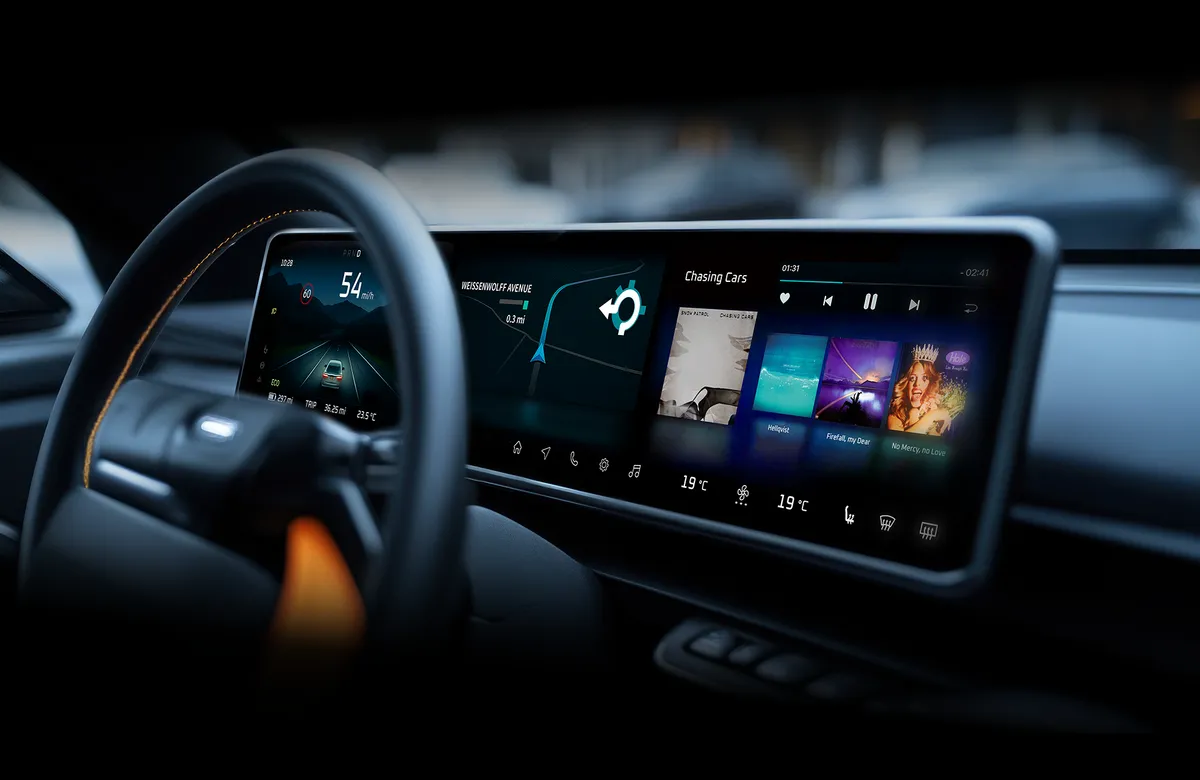
Candera CGI Studio is shaped by more than 20 years of HMI experience in the automotive industry and other demanding sectors. The Community Edition brings that professional foundation to a broader audience, giving you a serious tool for learning, building and creating real user interfaces for embedded and interactive applications. Learn more at cgistudio.at
Questions that usually come up first.
A quick overview of the most important things around access, usage and getting started with Candera CGI Studio Community Edition.
What is Candera CGI Studio Community Edition?
It is the free community edition of Candera CGI Studio, intended for makers, students, learning, prototypes and smaller UI projects.
Who is Community Edition made for?
It is built for individuals and smaller teams who want a serious UI and HMI tool for embedded and interactive projects without starting with a commercial license.
Can I use my own graphic tool for screen design?
Yes. You can create layouts and assets in your preferred graphic tool and then bring them into Candera CGI Studio CE for interaction design and UI logic.
Does Community Edition support data binding?
Yes. You can bind values, states and events to interface elements so your UI reacts to live application data instead of staying static.
Where do I get help when I get stuck?
You can use the community forum, starter videos, FAQs, seed content and the online documentation to get moving and solve common issues.
Which boards are supported in Community Edition?
The current Community Edition positioning is focused on Raspberry Pi 4 and Raspberry Pi 5 as the supported starting platform.
When should I move to Professional Edition or Enterprise Edition?
Move up when your project becomes commercial, your requirements grow, your board strategy expands or you need broader support and advanced capabilities.
How do I get access to the download?
Fill out the short form in the download section with first name, last name and email address to continue to the Community Edition download.